ES集群加密认证#
1. 生成证书文件#
1
2
3
4
|
root@elk01:~# /usr/share/elasticsearch/bin/elasticsearch-certutil  cert --days 3650 -out /etc/elasticsearch/config/elastic-certtes.p12 -pass ""
...
Directory /etc/elasticsearch/config does not exist. Do you want to create it? [Y/n]Y
...
|
2. 查看证书文件属主和属组#
1
2
3
4
5
6
7
8
|
root@elk01:~# ll /etc/elasticsearch/config/
total 12
drwxr-sr-x 2 root elasticsearch 4096 Oct 21 13:36 ./
drwxr-s--- 4 root elasticsearch 4096 Oct 21 13:36 ../
-rw------- 1 root elasticsearch 3596 Oct 21 13:36 elastic-certificates.p12
root@elk01:~# chmod +r /etc/elasticsearch/config/elastic-certificates.p12
root@elk01:~# ll /etc/elasticsearch/config/elastic-certificates.p12
-rw-r--r-- 1 root elasticsearch 3596 Oct 21 13:36 /etc/elasticsearch/config/elastic-certificates.p12
|
3. 同步证书文件到其他节点#
1
2
3
4
5
6
|
root@elk01:~# scp -r /etc/elasticsearch/config/ 11.0.1.112:/etc/elasticsearch/
root@11.0.1.112's password:
elastic-certificates.p12                                                                     100% 3596     2.9MB/s   00:00
root@elk01:~# scp -r /etc/elasticsearch/config/ 11.0.1.113:/etc/elasticsearch/
root@11.0.1.113's password:
elastic-certificates.p12                                                                     100% 3596     5.0MB/s   00:00
|
4. 修改ES集群的配置文件#
1
|
root@elk01:~# vim /etc/elasticsearch/elasticsearch.yml
|
1
2
3
4
5
6
7
|
...
# 在最后一行添加以下内容
xpack.security.enabled: true
xpack.security.transport.ssl.enabled: true
xpack.security.transport.ssl.verification_mode: certificate
xpack.security.transport.ssl.keystore.path: config/elastic-certificates.p12
xpack.security.transport.ssl.truststore.path: config/elastic-certificates.p12
|
5. 将配置文件同步到其他节点#
1
2
3
4
5
6
|
root@elk01:~# scp /etc/elasticsearch/elasticsearch.yml 11.0.1.112:/etc/elasticsearch/elasticsearch.yml
root@11.0.1.112's password:
elasticsearch.yml                                                                            100% 3928     1.0MB/s   00:00
root@elk01:~# scp /etc/elasticsearch/elasticsearch.yml 11.0.1.113:/etc/elasticsearch/elasticsearch.yml
root@11.0.1.113's password:
elasticsearch.yml                                                                            100% 3928     2.9MB/s   00:00
|
6. 所有节点重启ES集群#
1
2
3
|
root@elk01:~# systemctl restart elasticsearch.service
root@elk02:~# systemctl restart elasticsearch.service
root@elk03:~# systemctl restart elasticsearch.service
|
7. 检查集群节点端口是否监听#
1
2
3
4
5
6
7
8
9
|
root@elk01:~# ss -ntl | grep "9[2|3]00"
LISTEN 0      4096               *:9200             *:*
LISTEN 0      4096               *:9300             *:*
root@elk02:~# ss -ntl | grep "9[2|3]00"
LISTEN 0      4096               *:9200             *:*
LISTEN 0      4096               *:9300             *:*
root@elk03:~# ss -ntl | grep "9[2|3]00"
LISTEN 0      4096               *:9200             *:*
LISTEN 0      4096               *:9300             *:*
|
8. 测试访问ES集群#
1
2
3
|
root@elk01:~# curl 11.0.1.113:9200
{"error":{"root_cause":[{"type":"security_exception","reason":"missing authentication credentials for REST request [/]","header":{"WWW-Authenticate":"Basic realm=\"security\" charset=\"UTF-8\""}}],"type":"security_exception","reason":"missing authentication credentials for REST request [/]","header":{"WWW-Authenticate":"Basic realm=\"security\" charset=\"UTF-8\""}},"status":401}root@elk01:~# curl 11.0.1.113:9200/_cat/nodes
{"error":{"root_cause":[{"type":"security_exception","reason":"missing authentication credentials for REST request [/_cat/nodes]","header":{"WWW-Authenticate":"Basic realm=\"security\" charset=\"UTF-8\""}}],"type":"security_exception","reason":"missing authentication credentials for REST request [/_cat/nodes]","header":{"WWW-Authenticate":"Basic realm=\"security\" charset=\"UTF-8\""}},"status":401}
|
ES集群加密成功,用户无法直接访问,直接会拒绝,状态码为401
9. 生成ES的随机密码#
 1
 2
 3
 4
 5
 6
 7
 8
 9
10
11
12
13
14
15
16
17
18
19
20
21
22
23
24
25
26
27
|
root@elk01:~# /usr/share/elasticsearch/bin/elasticsearch-setup-passwords  auto
warning: usage of JAVA_HOME is deprecated, use ES_JAVA_HOME
Initiating the setup of passwords for reserved users elastic,apm_system,kibana,kibana_system,logstash_system,beats_system,remote_monitoring_user.
The passwords will be randomly generated and printed to the console.
Please confirm that you would like to continue [y/N]y


Changed password for user apm_system
PASSWORD apm_system = iU3hx3Md2e1HoKNwAXpc

Changed password for user kibana_system
PASSWORD kibana_system = Apxpi9MYK5nK0yfQ5oVC

Changed password for user kibana
PASSWORD kibana = Apxpi9MYK5nK0yfQ5oVC

Changed password for user logstash_system
PASSWORD logstash_system = FLLwK9WLan5fgtTsoFnM

Changed password for user beats_system
PASSWORD beats_system = XOiZBPaNfwVt4WoDmlpd

Changed password for user remote_monitoring_user
PASSWORD remote_monitoring_user = 9LYltf3G7dnJ74m9Amb6

Changed password for user elastic
PASSWORD elastic = vM2bNP9zylFUyoOLlR3W
|
10. 使用密码访问ES集群#
1
2
3
4
|
root@elk01:~# curl -u elastic:vM2bNP9zylFUyoOLlR3W 11.0.1.113:9200/_cat/nodes
11.0.1.112 69 76 4 0.00 0.06 0.09 cdfhilmrstw * elk02
11.0.1.113 74 75 3 0.02 0.04 0.05 cdfhilmrstw - elk03
11.0.1.111 61 50 4 0.00 0.05 0.09 cdfhilmrstw - elk01
|
kibana页面登录认证及elastic密码修改#
1. 修改kibana的配置文件#
1
|
root@kibana:~# vim /etc/kibana/kibana.yml
|
1
2
3
|
...
elasticsearch.username: "kibana_system"
elasticsearch.password: "Apxpi9MYK5nK0yfQ5oVC"
|
2. 重启kibana服务#
1
|
root@kibana:~# systemctl restart kibana.service
|
3. 检查kibana服务是否监听#
1
2
|
root@kibana:~# ss -ntl | grep 5601
LISTEN 0      511          0.0.0.0:5601      0.0.0.0:*
|
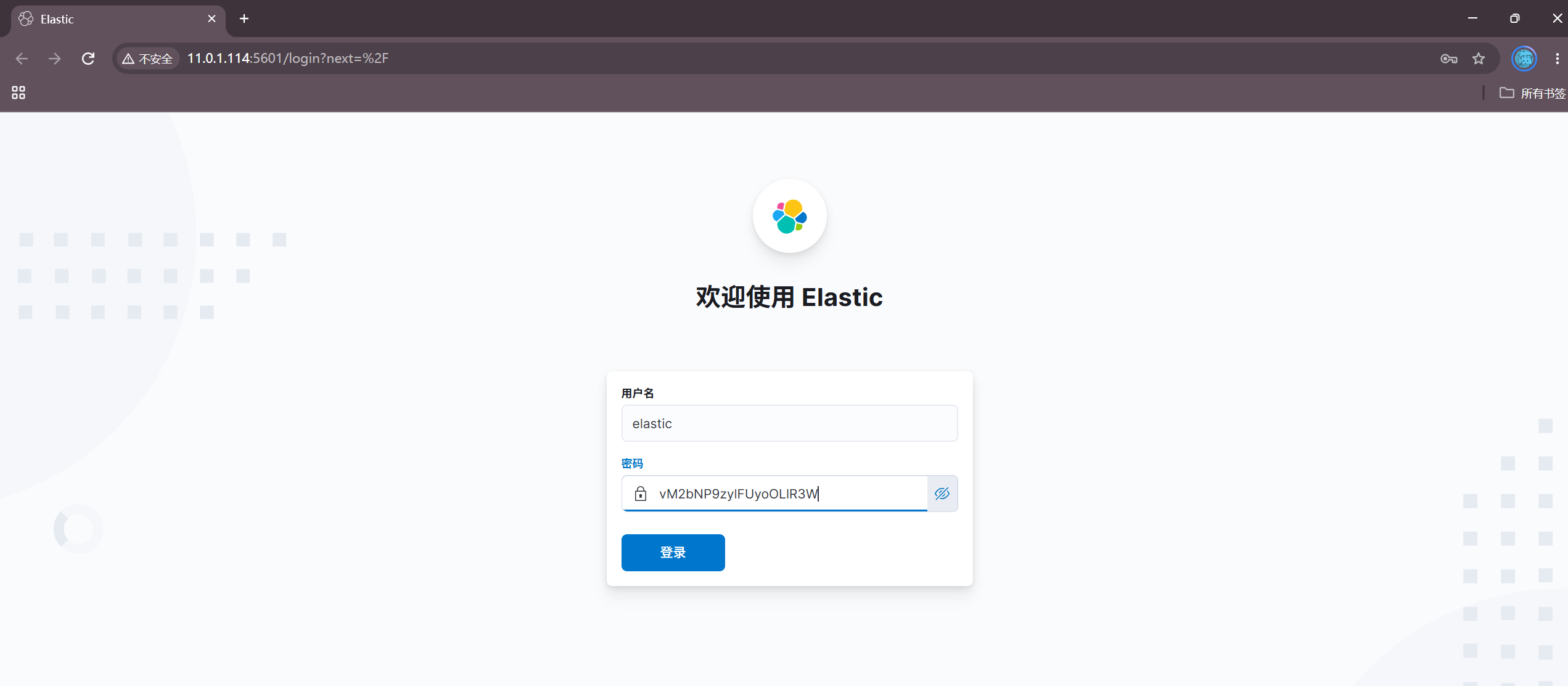
4. 访问kibana的WebUI使用elastic用户登录#
http://11.0.1.114:5601/(需要使用elastic用户登录)
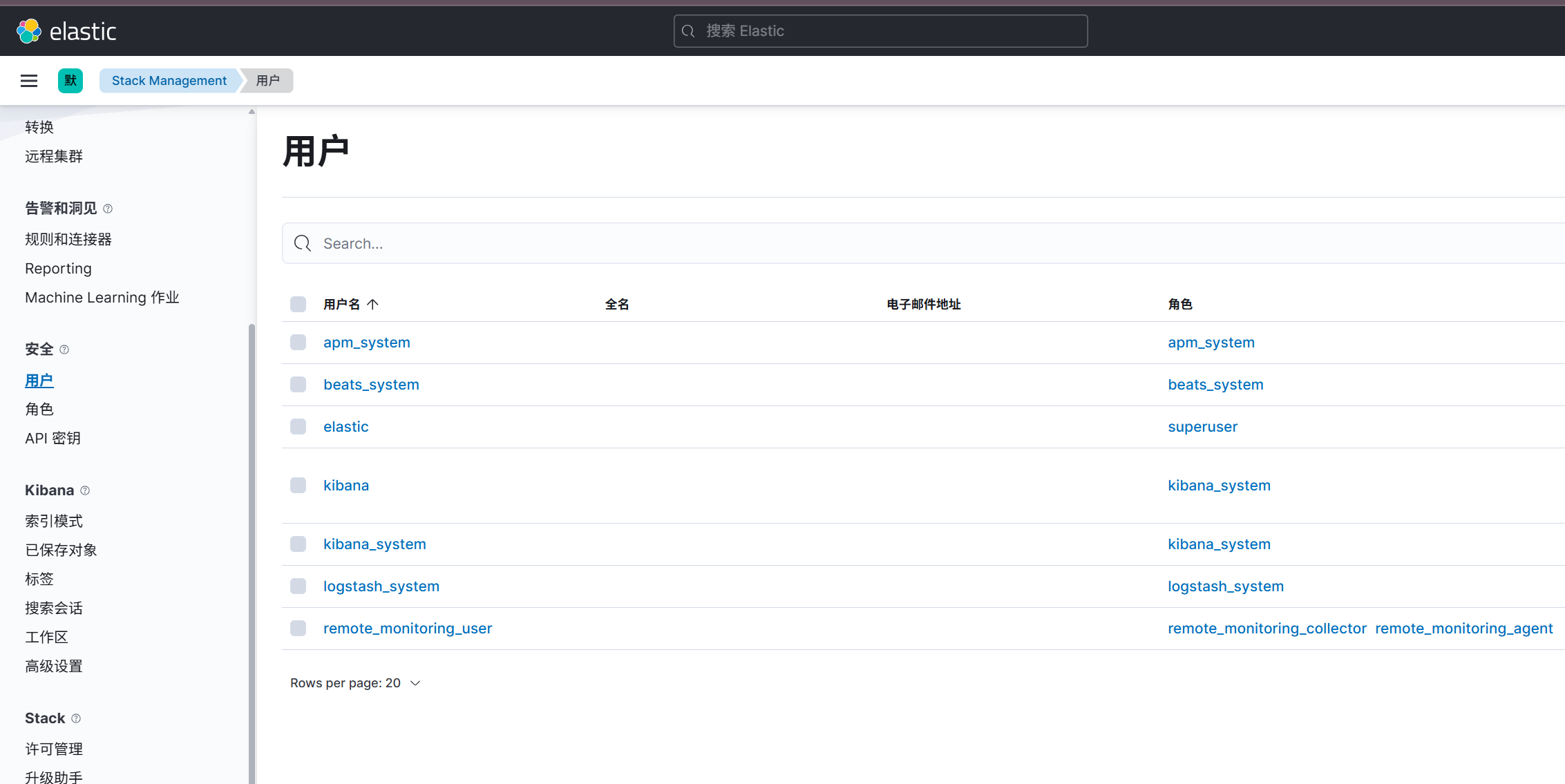
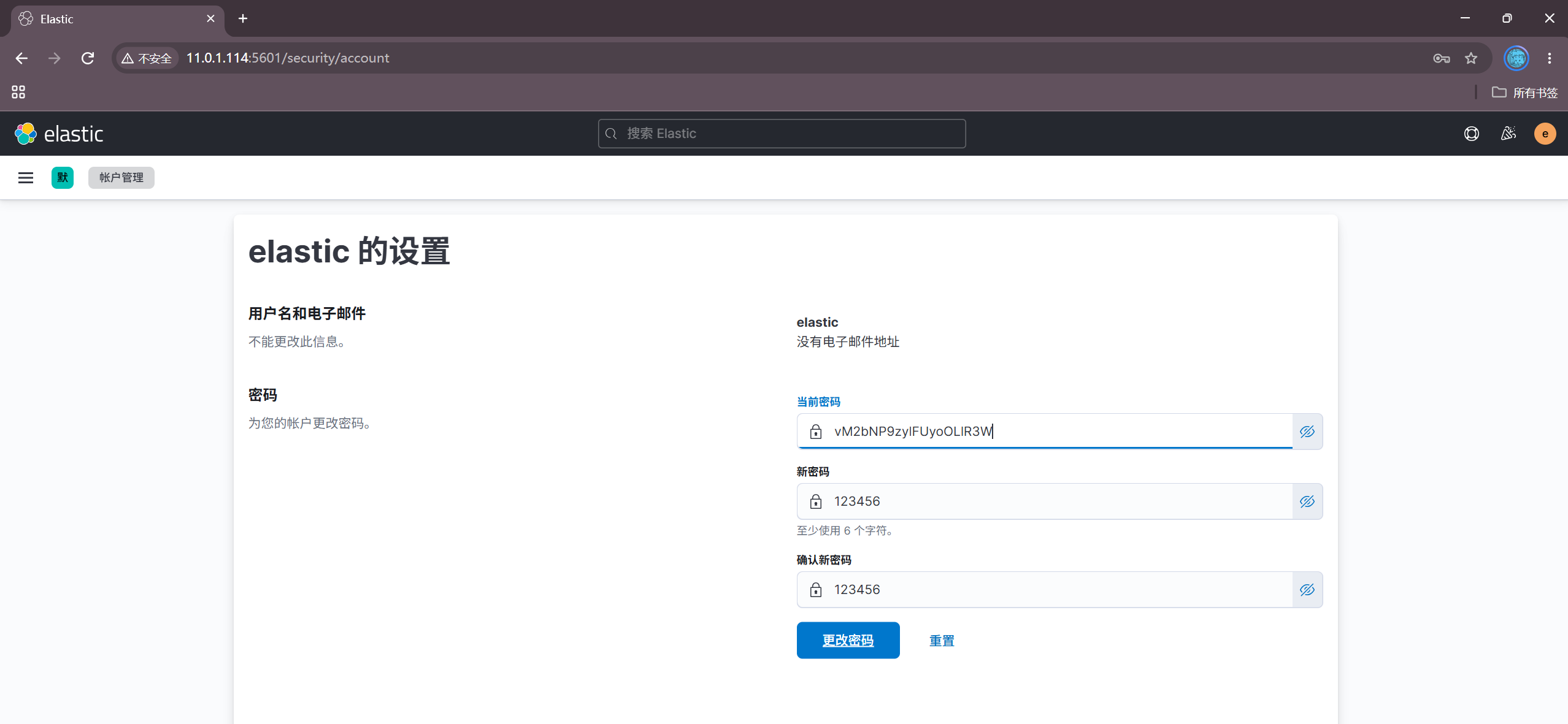
5. 修改elastic的初始密码#
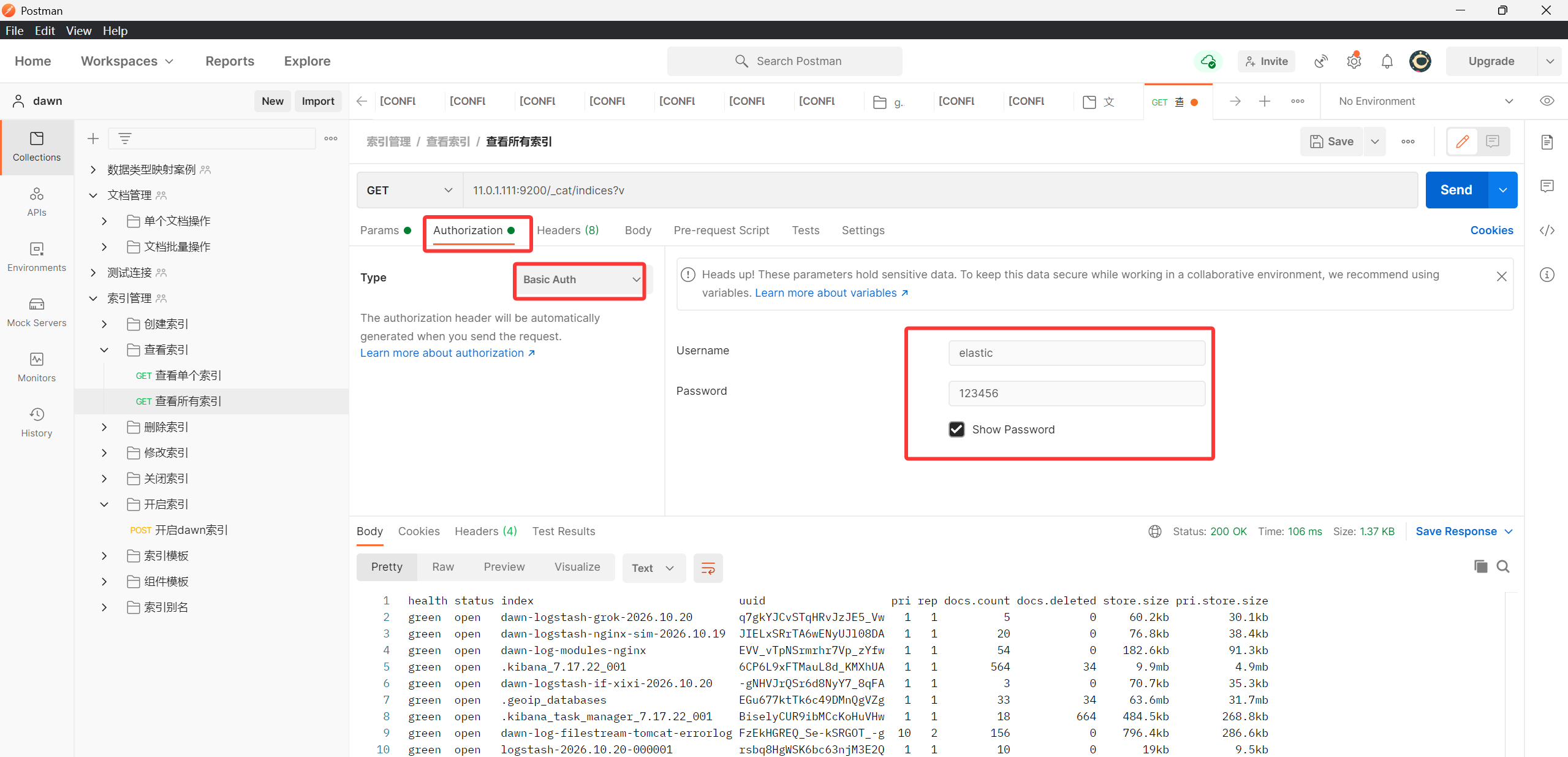
postman访问ES加密集群#
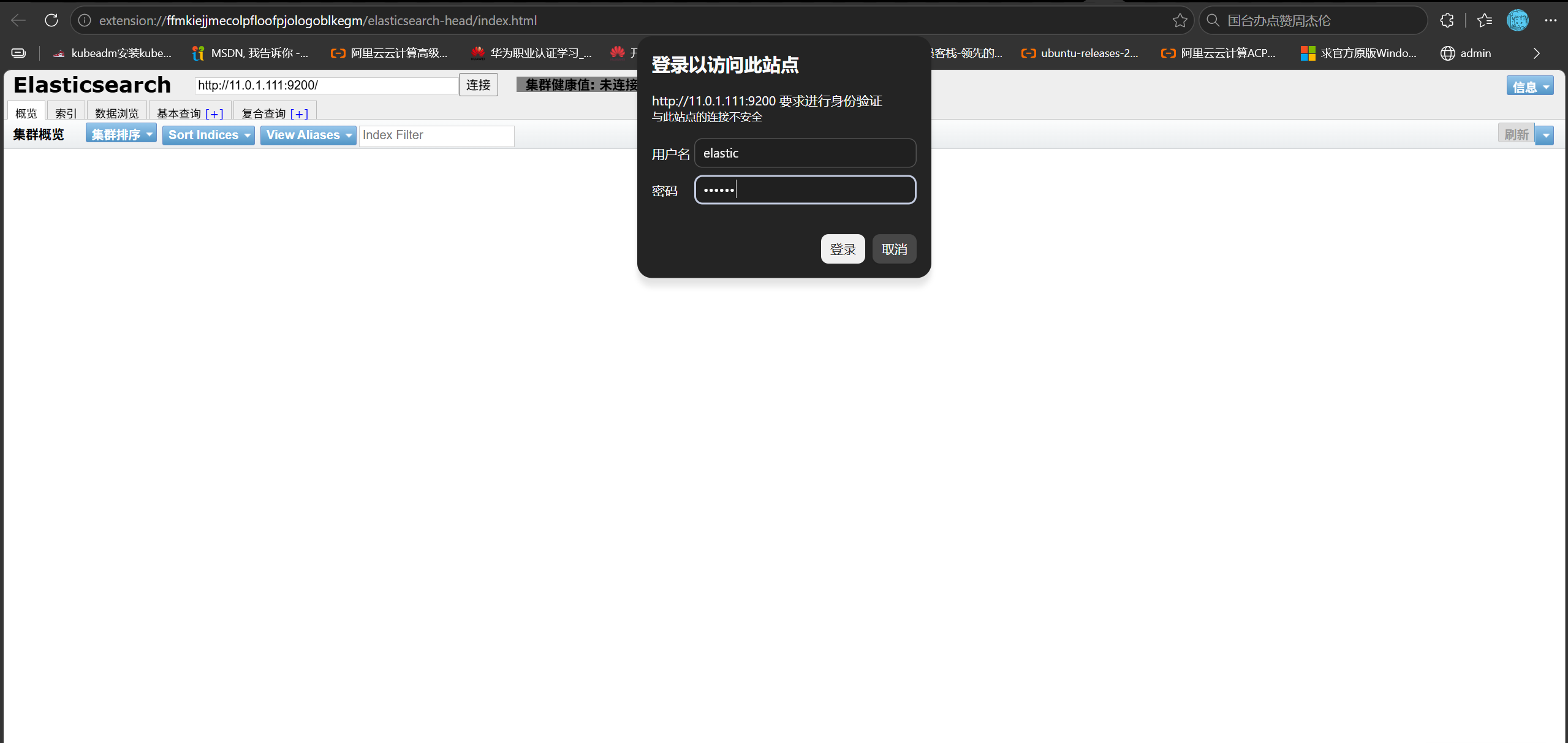
es-head访问ES加密集群#
filebeat访问ES加密集群#
1. 编写filebeat配置文件#
1
|
root@elk01:/etc/filebeat# vim config/17-tcp-to-es.yaml
|
 1
 2
 3
 4
 5
 6
 7
 8
 9
10
11
12
13
14
15
16
17
|
filebeat.inputs:
- type: tcp
  host: "0.0.0.0:9000"

output.elasticsearch:
  hosts:
  - "http://11.0.1.111:9200"
  - "http://11.0.1.112:9200"
  - "http://11.0.1.113:9200"
  index: "dawn-log-es-tls"
  username: "elastic"
  password: "123456"

setup.ilm.enabled: false
setup.template.name: "dawn-modules"
setup.template.pattern: "dawn-log*"
setup.template.overwrite: false
|
1
|
root@elk01:/etc/filebeat# filebeat -e -c config/17-tcp-to-es.yaml
|
2. 发送测试数据#
1
|
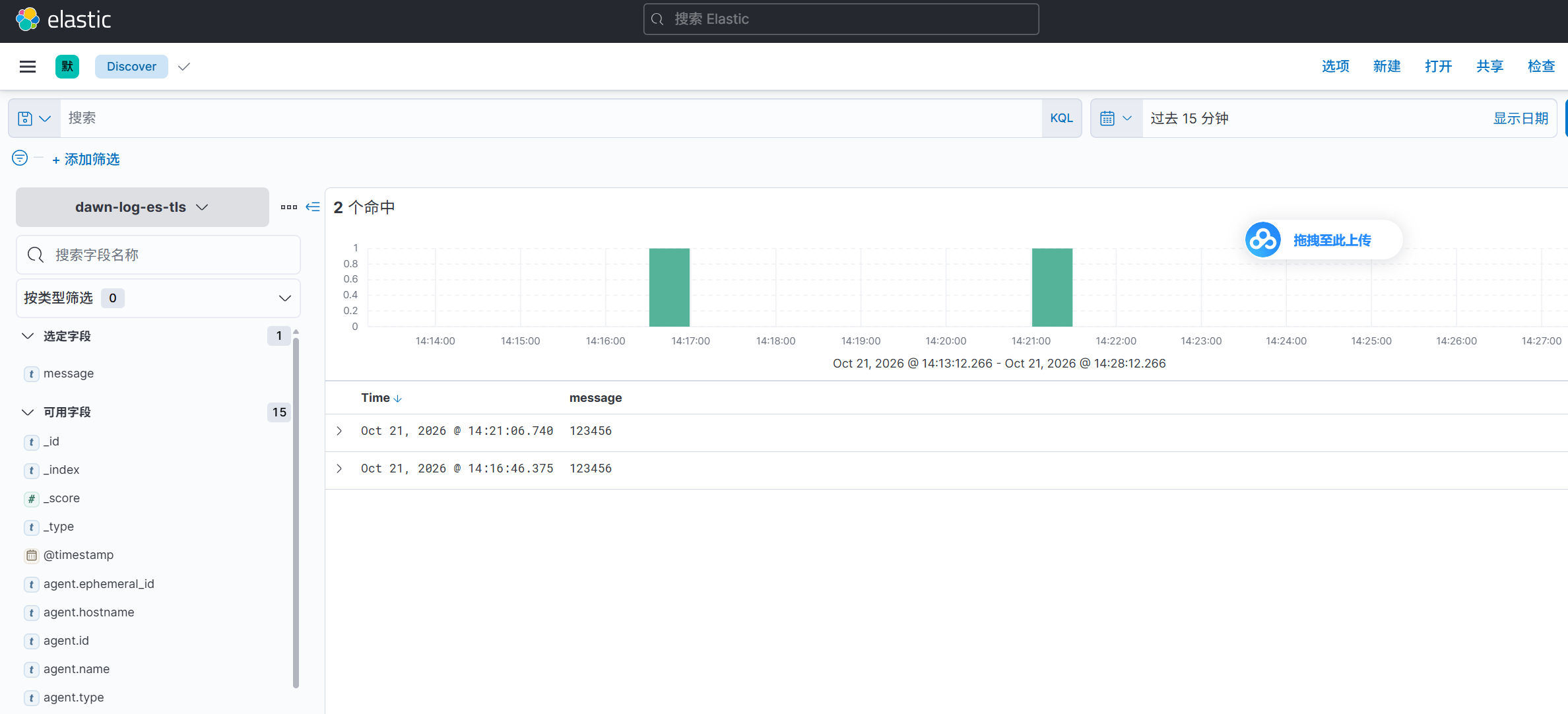
root@elk02:~# echo 123456 | nc 11.0.1.111 9000
|
3. kibana查看数据#
logstash访问ES加密集群#
1. 编写配置文件#
1
|
root@elk03:/etc/logstash# vim config/09-tcp-to-es_tls.conf
|
 1
 2
 3
 4
 5
 6
 7
 8
 9
10
11
12
13
14
15
16
|
input {
  tcp {
    port => 8888
  }
}

output {
  stdout {}

  elasticsearch {
     hosts => ["http://11.0.1.111:9200","http://11.0.1.112:9200","http://11.0.1.113:9200"]
     index => "dawn-es-tls-logstash-%{+yyyy.MM.dd}"
     user => "elastic"
     password => "123456"
  }
}
|
1
|
root@elk03:/etc/logstash# logstash -f config/09-tcp-to-es_tls.conf
|
2. 发送测试数据#
1
|
root@elk02:~# echo "7891011" | nc 11.0.1.113 8888
|
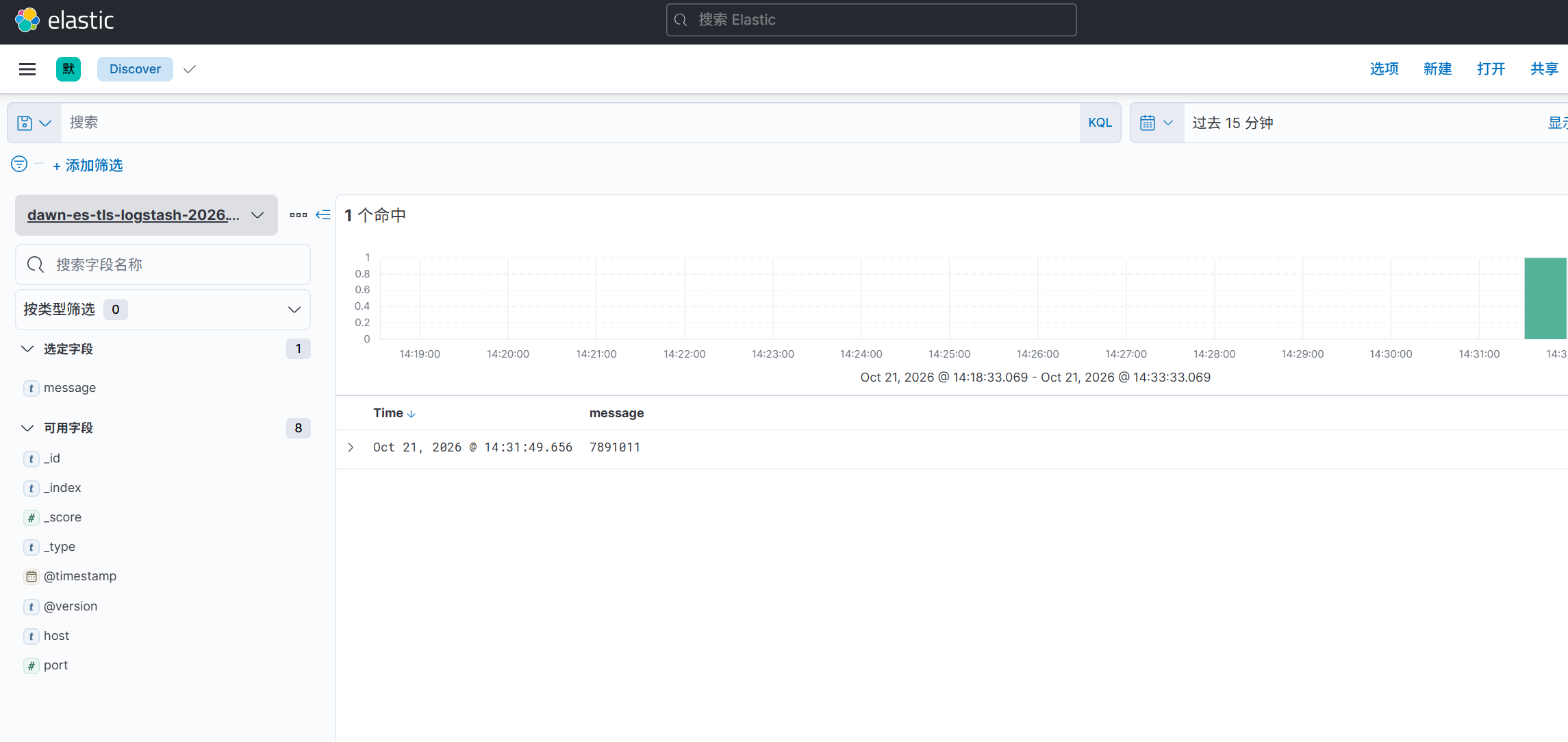
3. kibana查看数据#