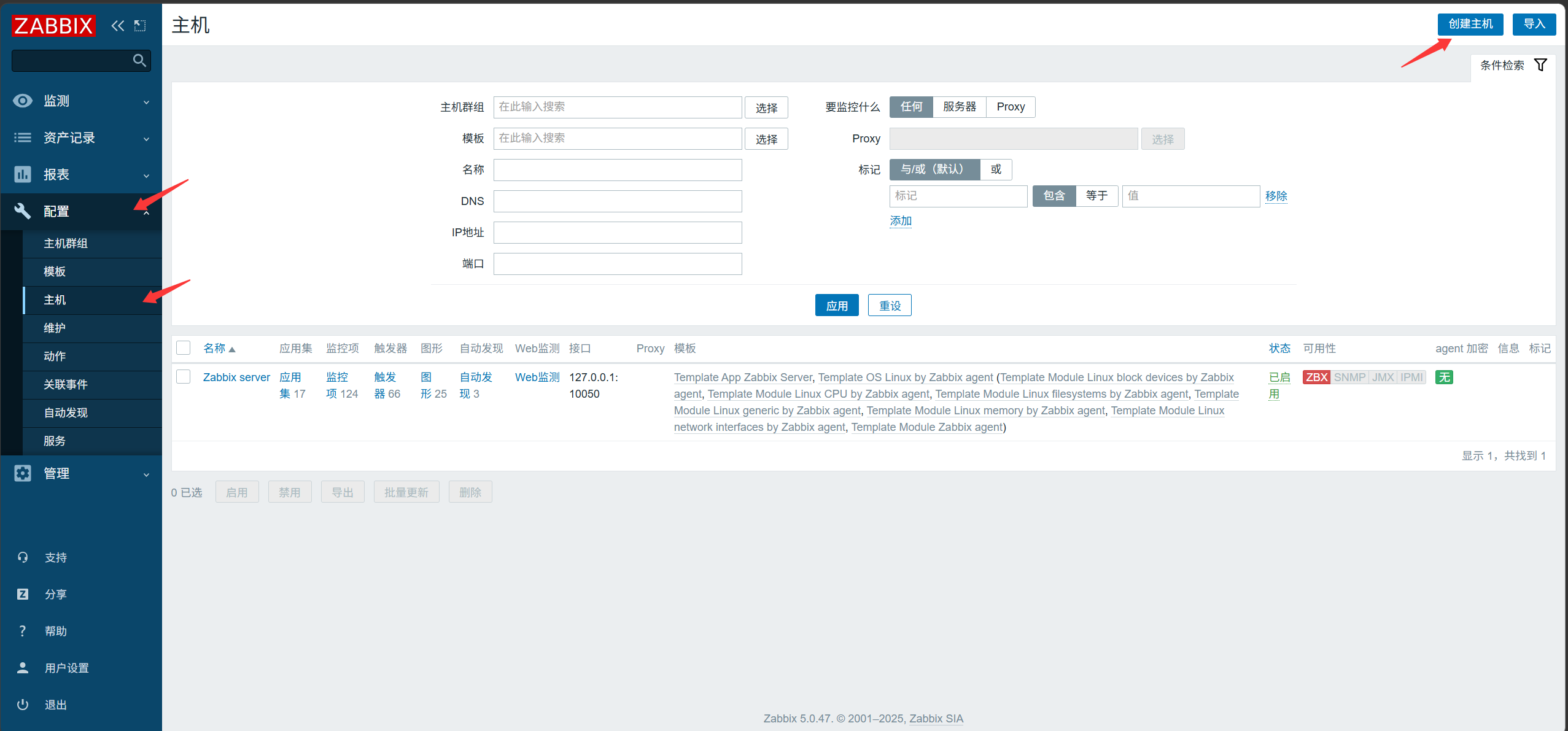
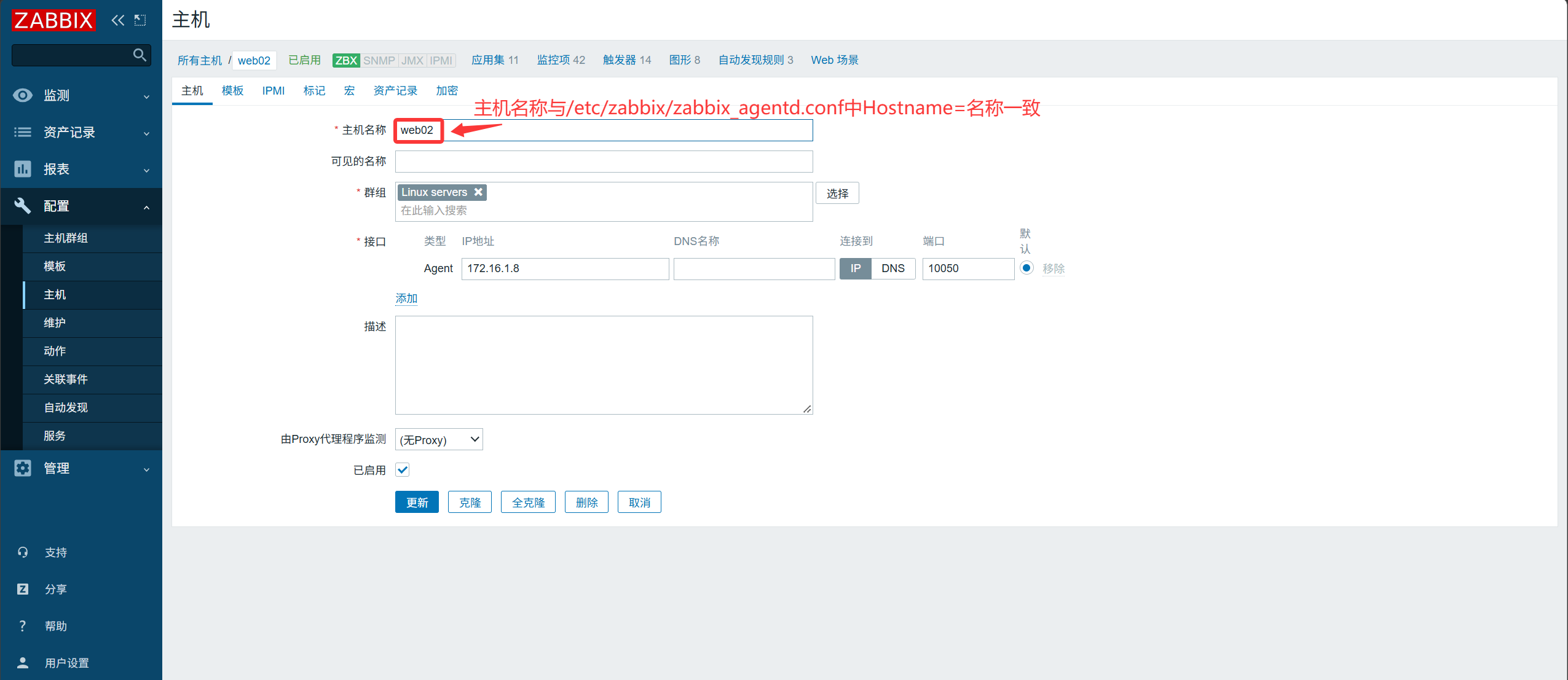
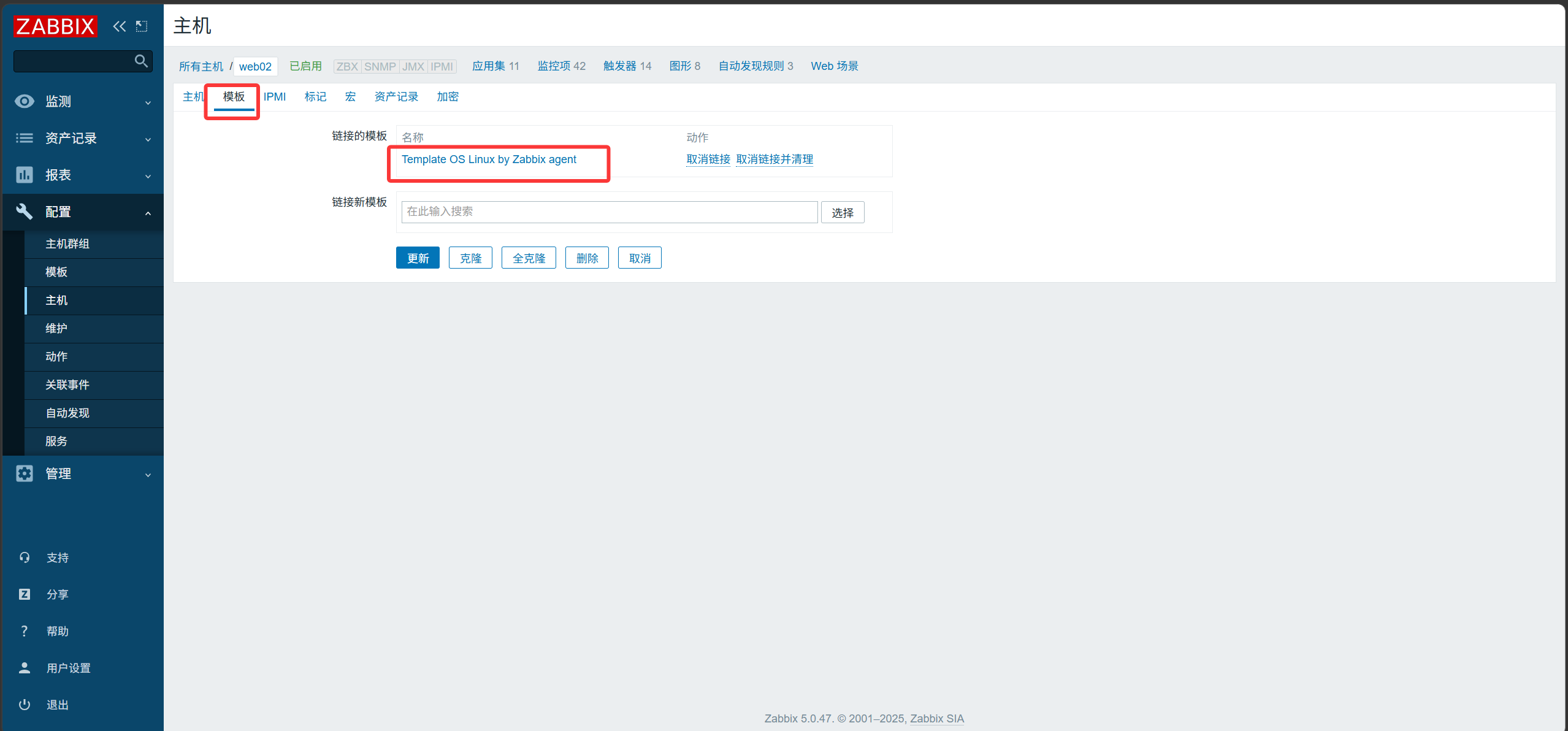
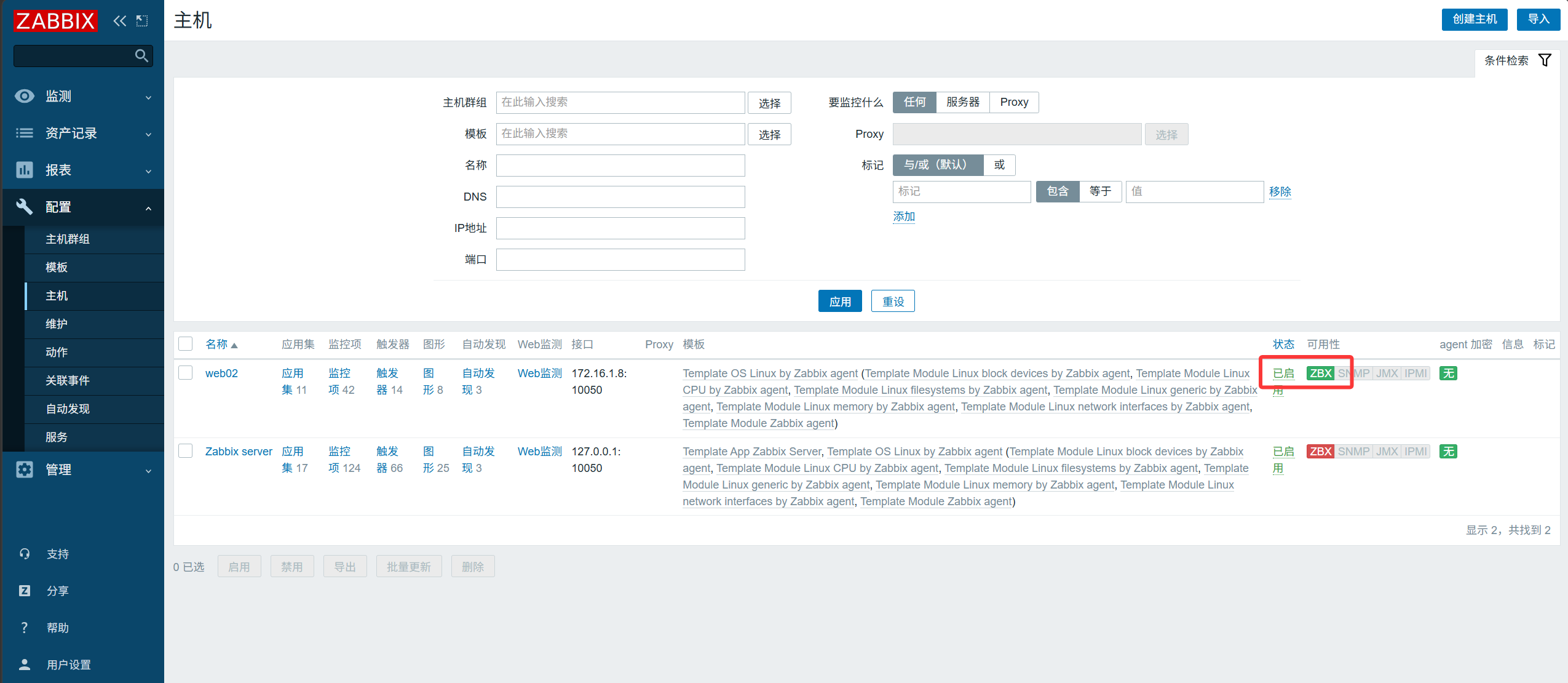
Configure the repository:
[root@web02 ~]#  rpm -Uvh https://repo.zabbix.com/zabbix/5.0/rhel/7/x86_64/zabbix-release-5.0-1.el7.noarch.rpm
Sync the yum repositories from the server to the client:
[root@zabbix ~]#scp /etc/yum.repos.d/CentOS-SCLo-scl.repo root@172.16.1.8:/etc/yum.repos.d/CentOS-SCLo-scl.repo
[root@zabbix ~]#scp /etc/yum.repos.d/CentOS-SCLo-scl-rh.repo root@172.16.1.8:/etc/yum.repos.d/CentOS-SCLo-scl-rh.repo
[root@zabbix ~]#scp /etc/yum.repos.d/zabbix.repo  root@172.16.1.8:/etc/yum.repos.d/zabbix.repo
If the installation reports a package conflict:
[root@web02 ~]# yum -y install centos-release-scl
|