Harbor Active-Standby Deployment
Environment Setup
Operating System: CentOS 8.4 64bit
Harbor Version: harbor-offline-installer-v2.11.1.tgz
Docker Compose: docker-compose-linux-x86_64
| Role | Hostname | IP Address |
|---|---|---|
| Primary Harbor | Harbor01 | 192.168.8.161 |
| Standby Harbor | Harbor02 | 192.168.8.162 |
| Docker Host | web01 | 192.168.8.188 |
Harbor is an open-source enterprise Docker Registry project by VMware, built on the official Docker Registry with added features like management UI, role-based access control (RBAC), AD/LDAP integration, and audit logging. Each Harbor component runs as a Docker container, deployed using Docker Compose.
Part 1: Deploy Primary Harbor (HTTP Mode, No Certificates)
This method is suitable for internal networks where Harbor is accessed directly via HTTP without SSL certificates.
1. Install Docker
|
|
2. Configure Docker Mirror
|
|
Enter the following content:
|
|
|
|
3. Install Docker Compose and Harbor
|
|
4. Modify Harbor Configuration
|
|
Modify the following key settings:
|
|
Leave all other settings at their defaults.
5. Run Installation
|
|
After installation, access http://192.168.8.161 in your browser and log in with admin / Harbor12345.
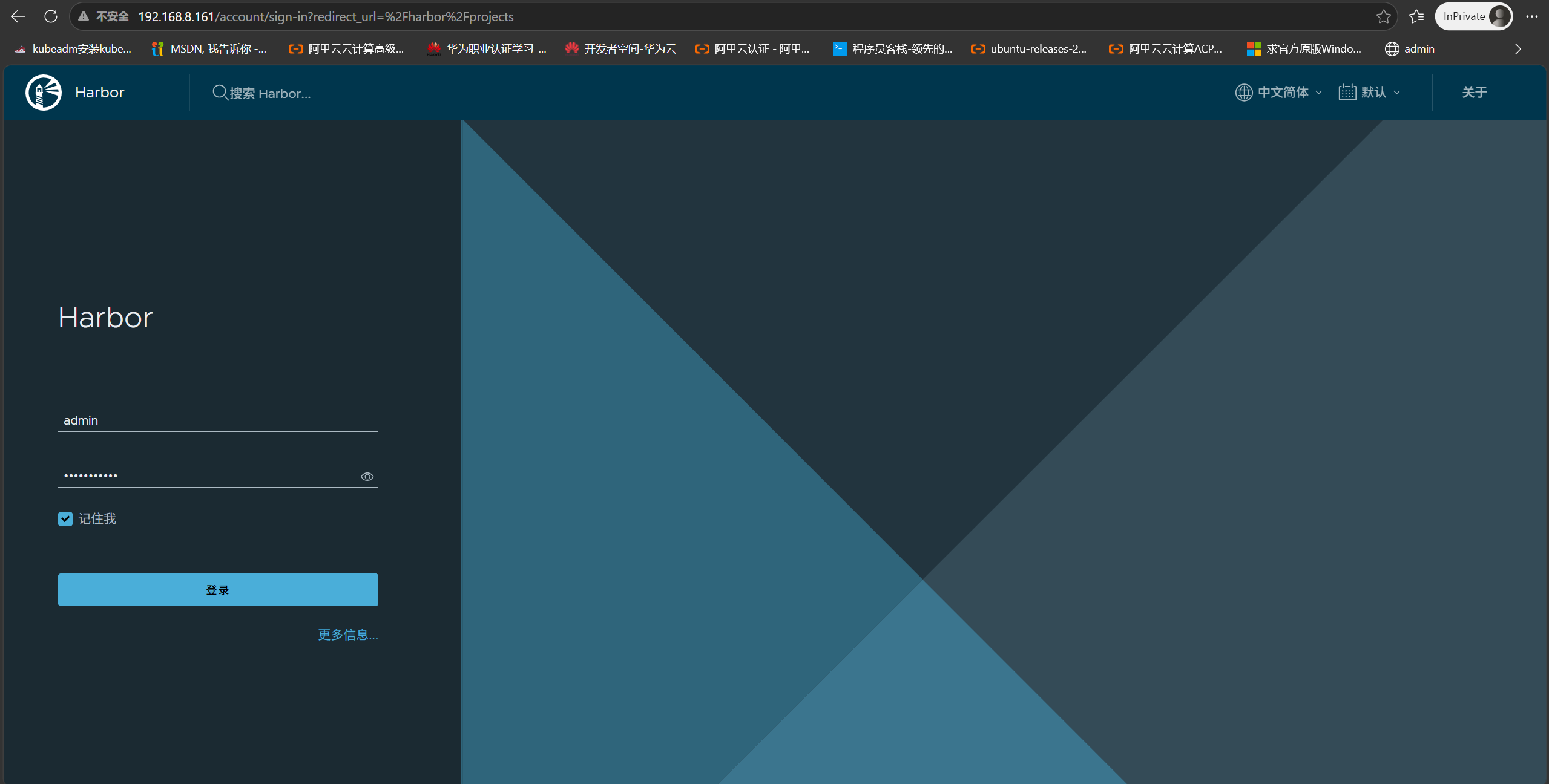
6. Create Users and Projects
Create user1 in the Harbor Web UI:
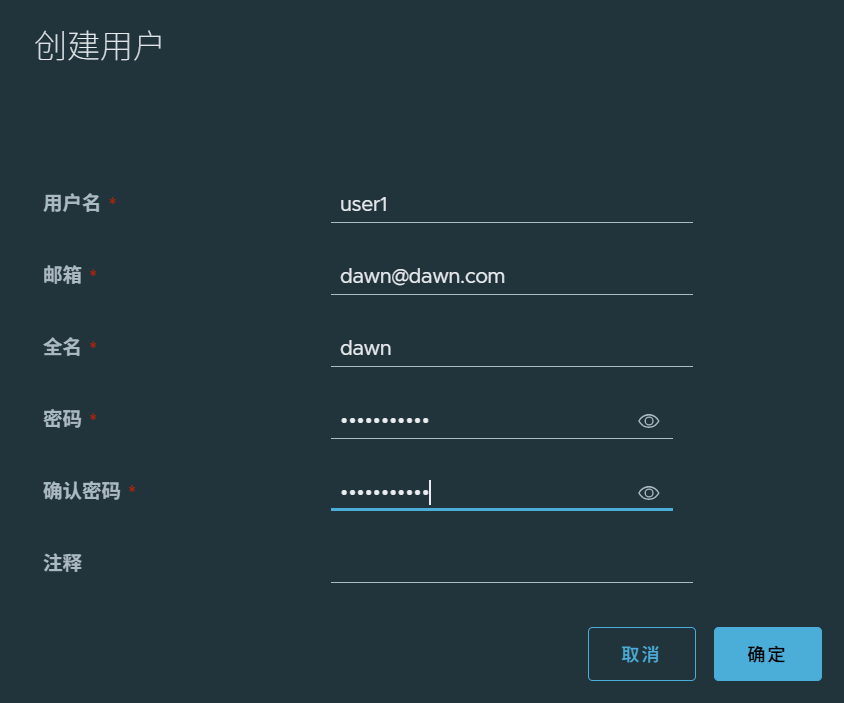
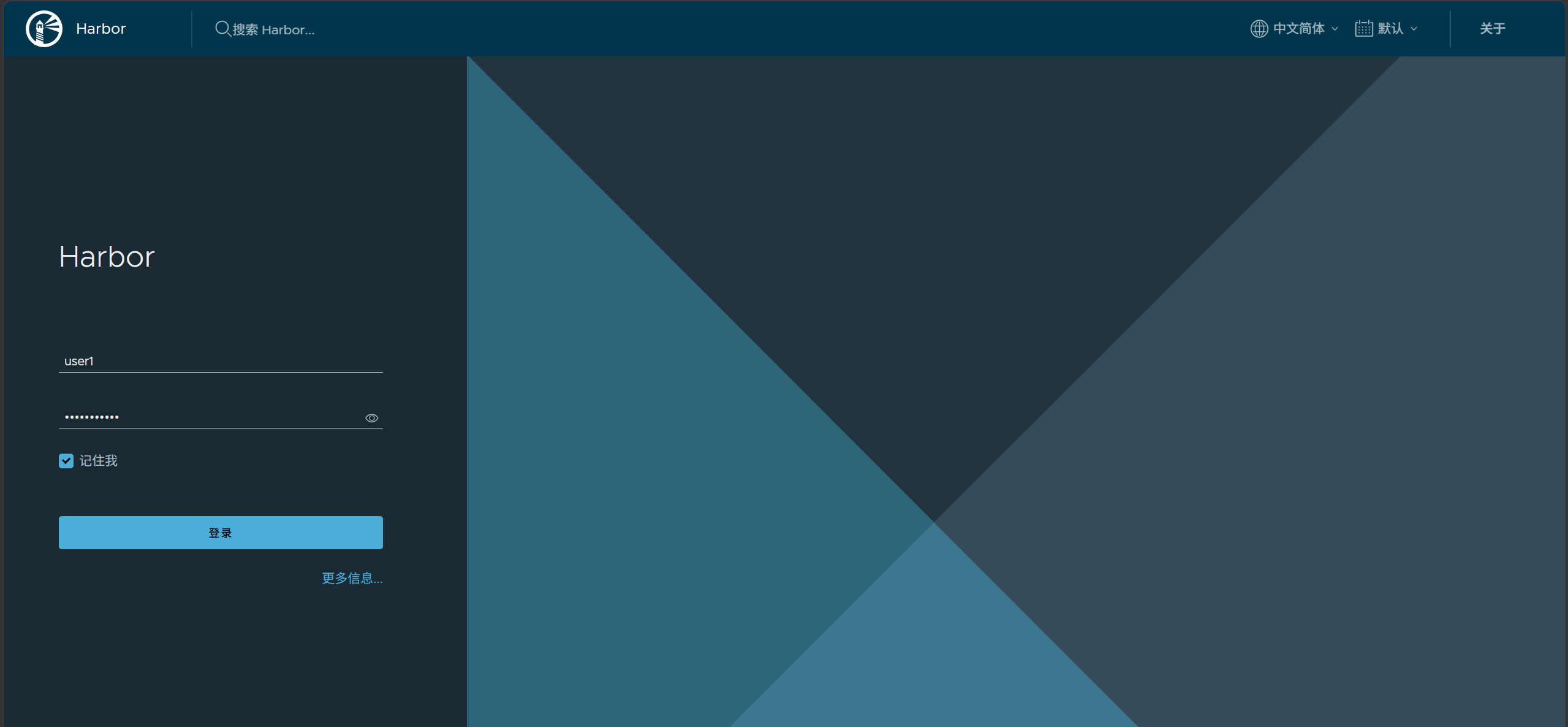
Log in as user1:
Create a new project (e.g., openssh) as user1:
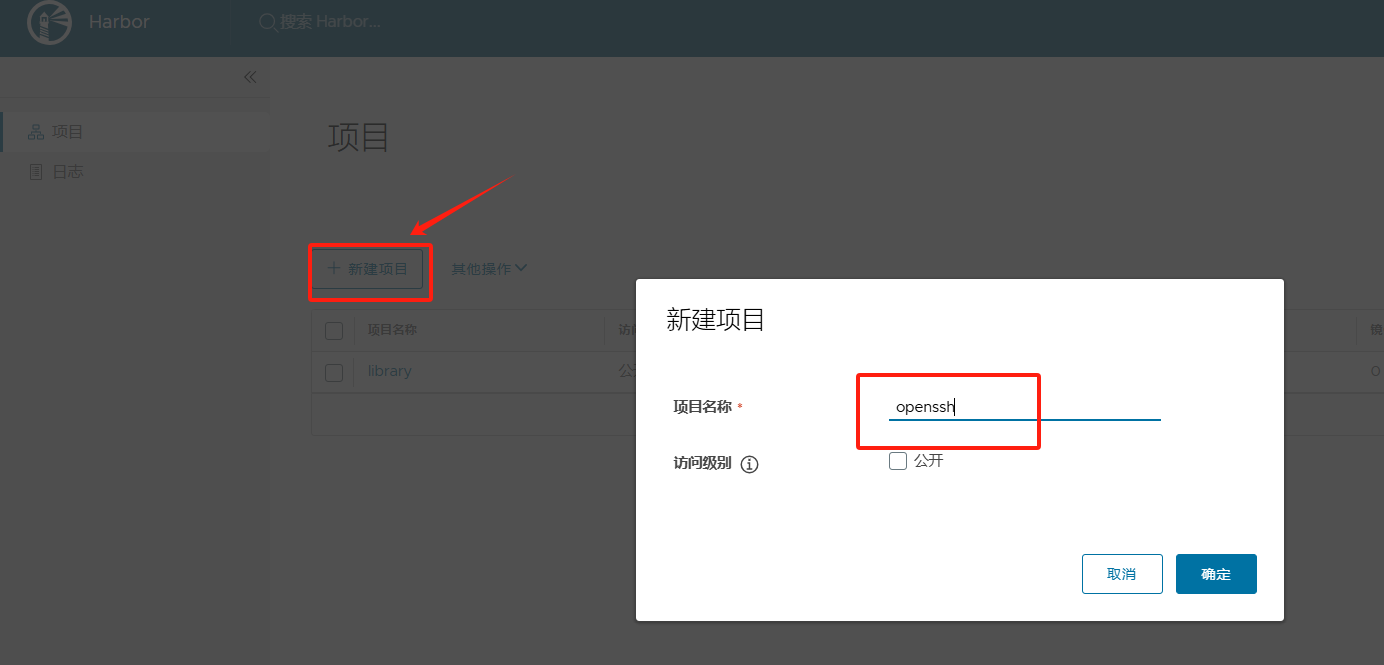
7. Test Image Push and Pull
On the Docker host (web01):
|
|
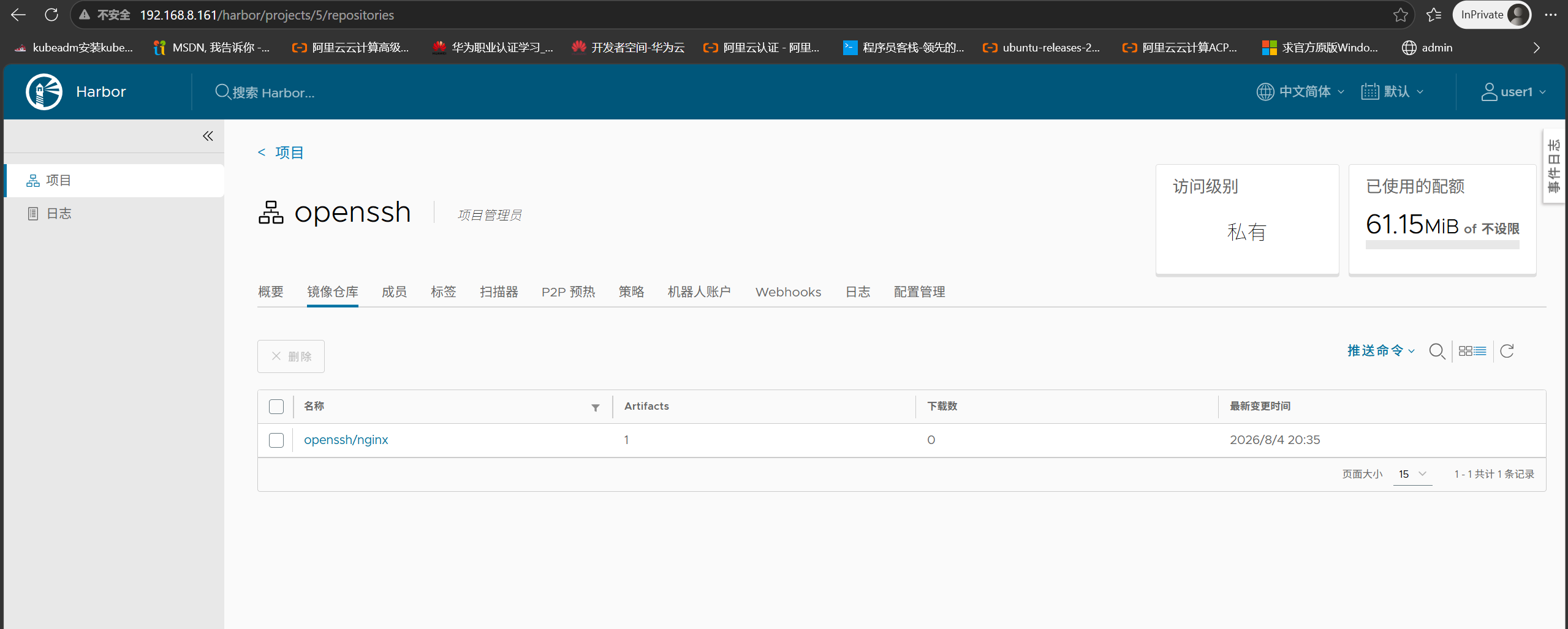
After successful push, the image appears in Harbor:
|
|
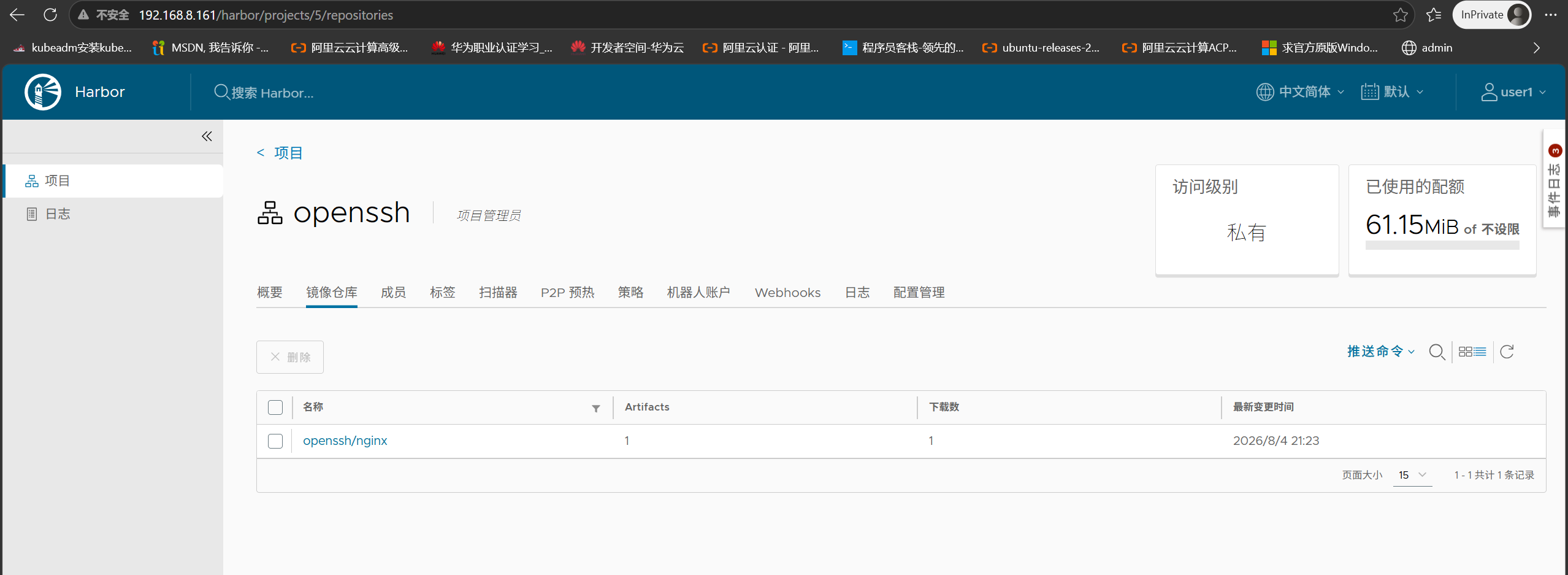
Harbor shows download count +1 after pull:
Part 2: Deploy Standby Harbor
The standby deployment is identical to the primary, just change the hostname to the standby IP.
|
|
|
|
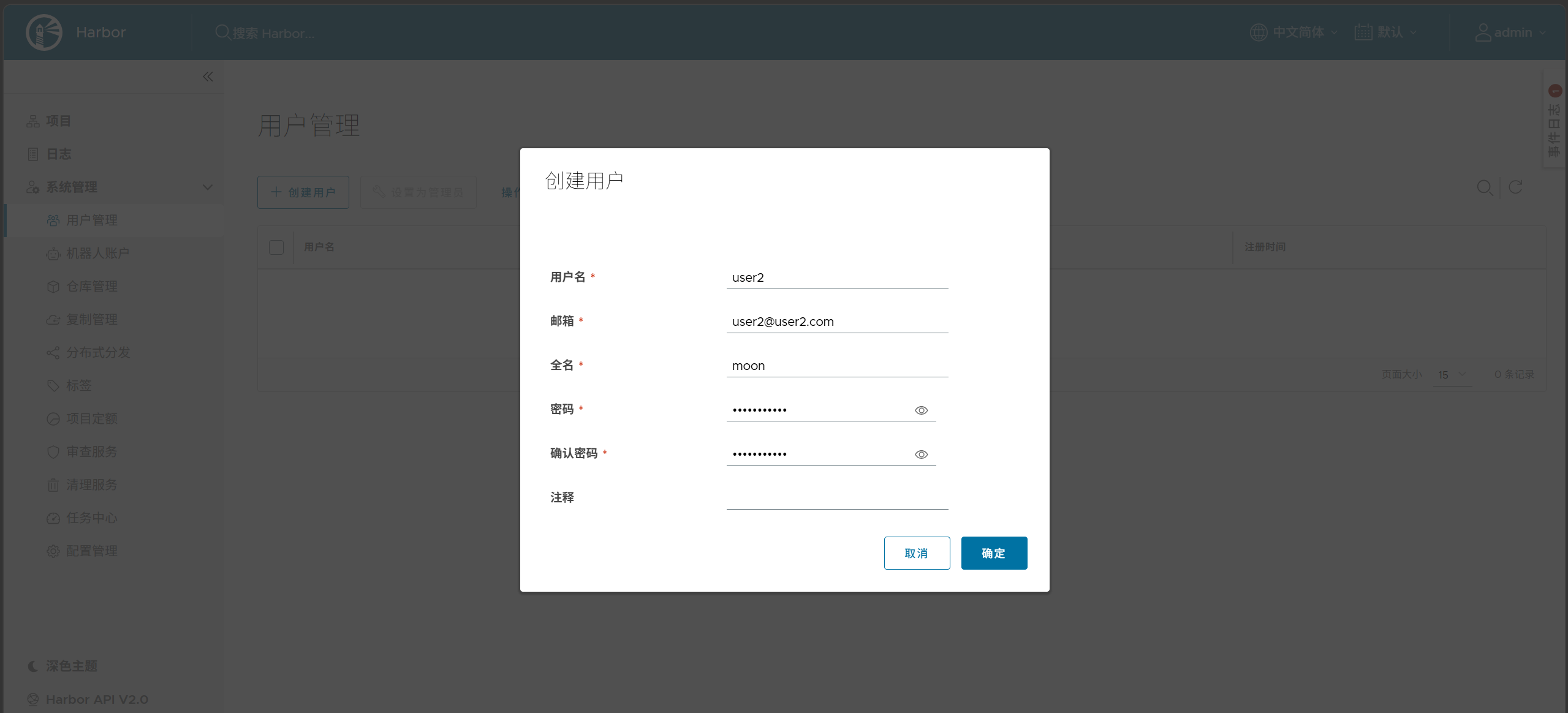
After deployment, access http://192.168.8.162 and create user2:
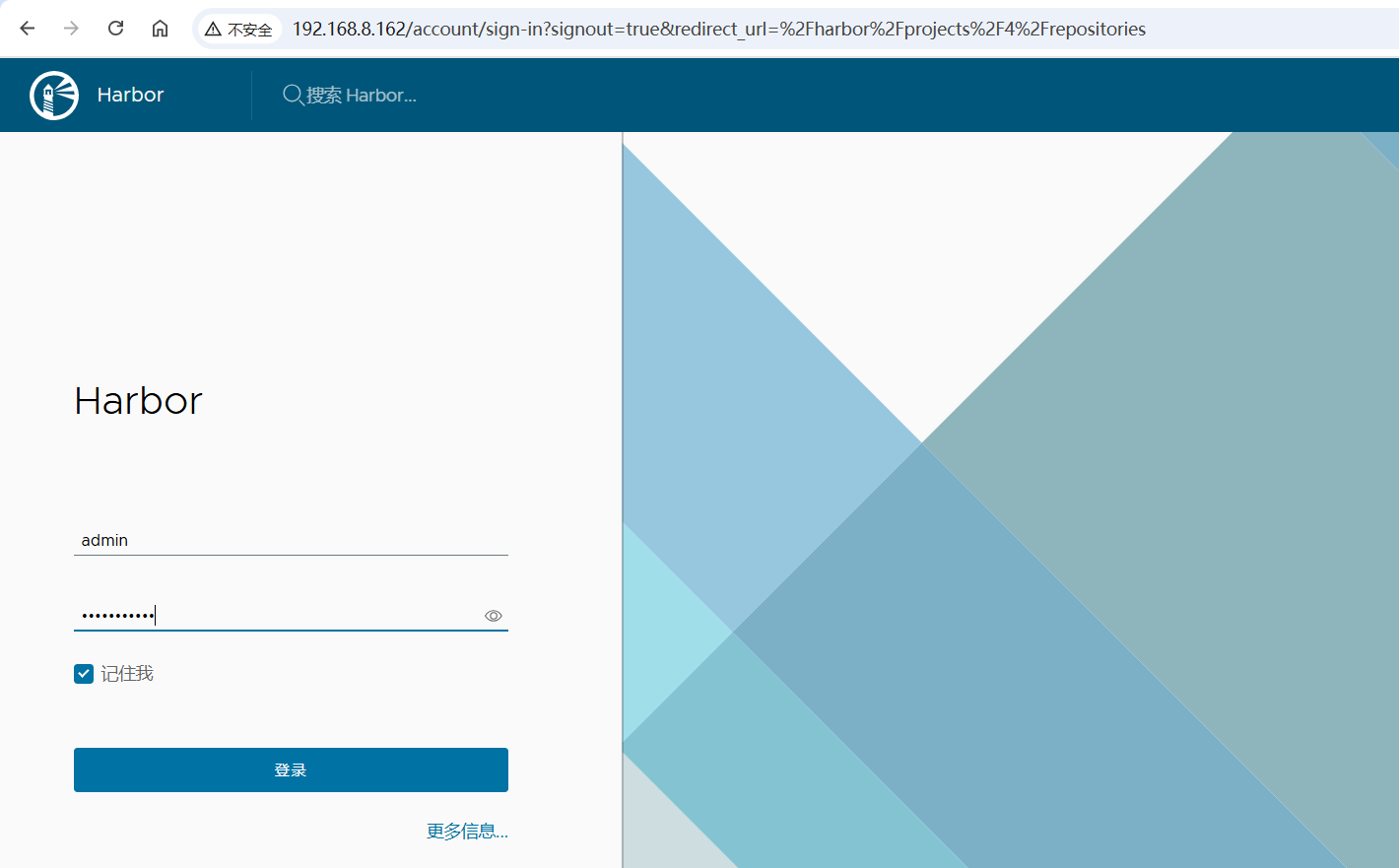
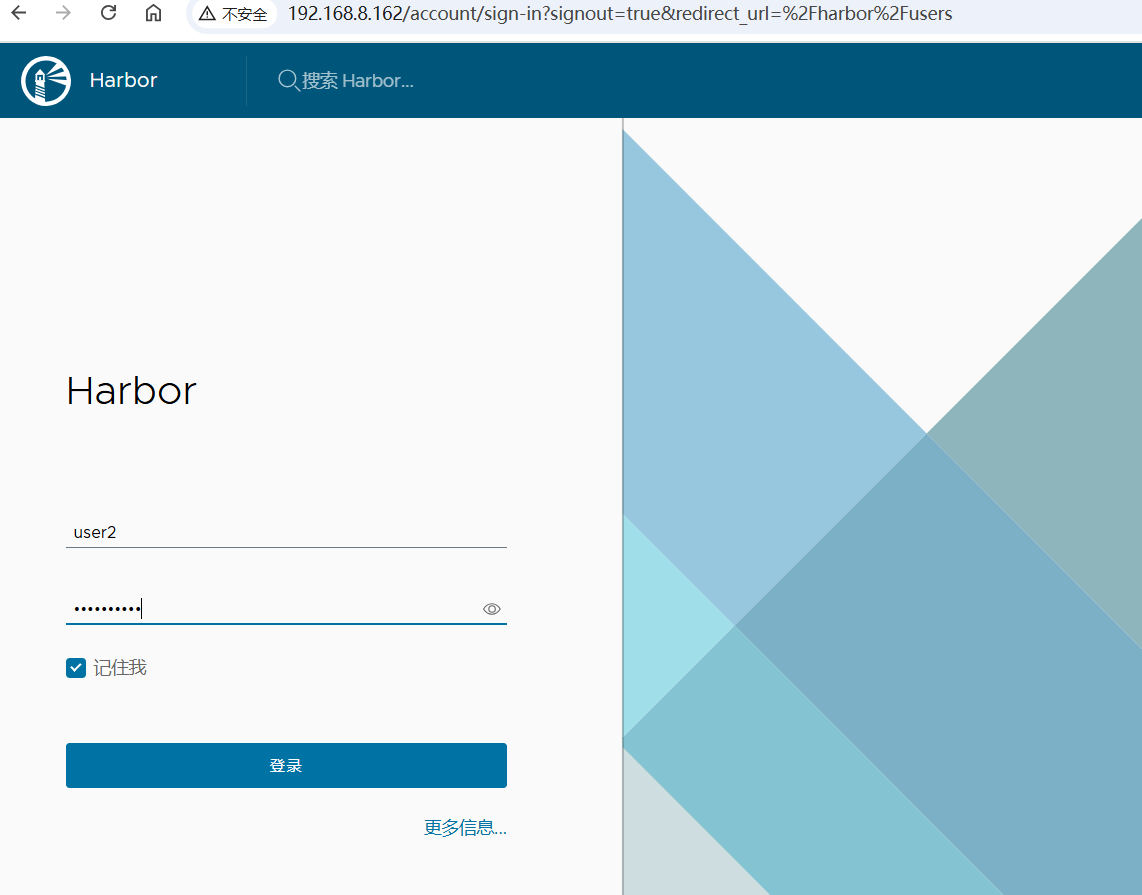
Log in to standby Harbor as user2:
Part 3: Configure Active-Standby Replication
1. Create Replication Endpoint on Primary
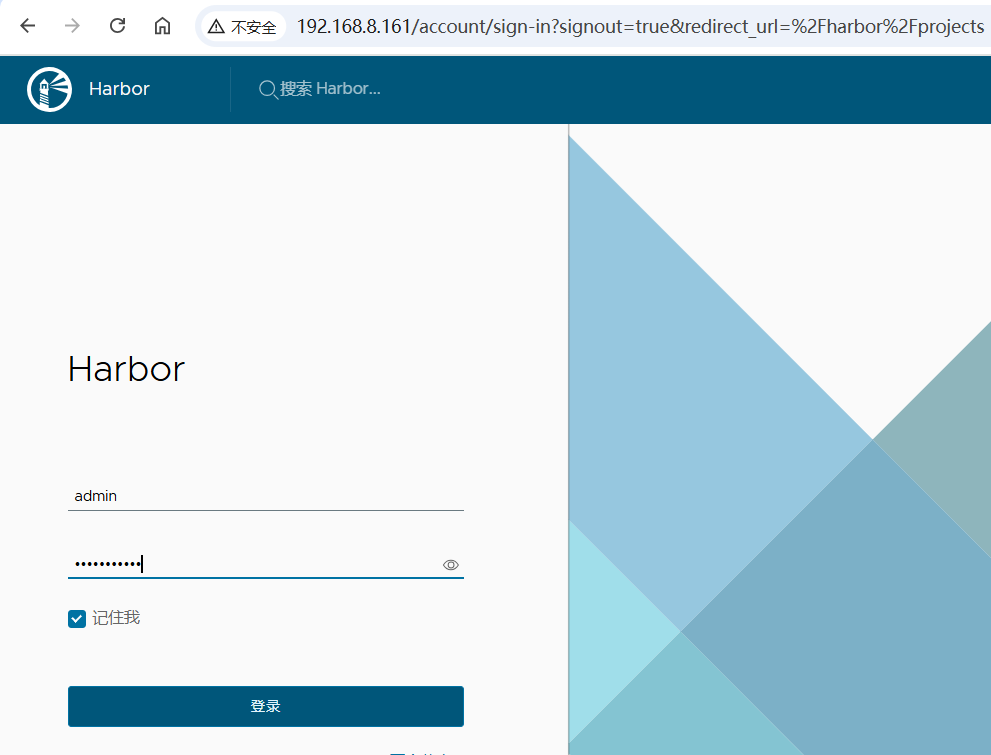
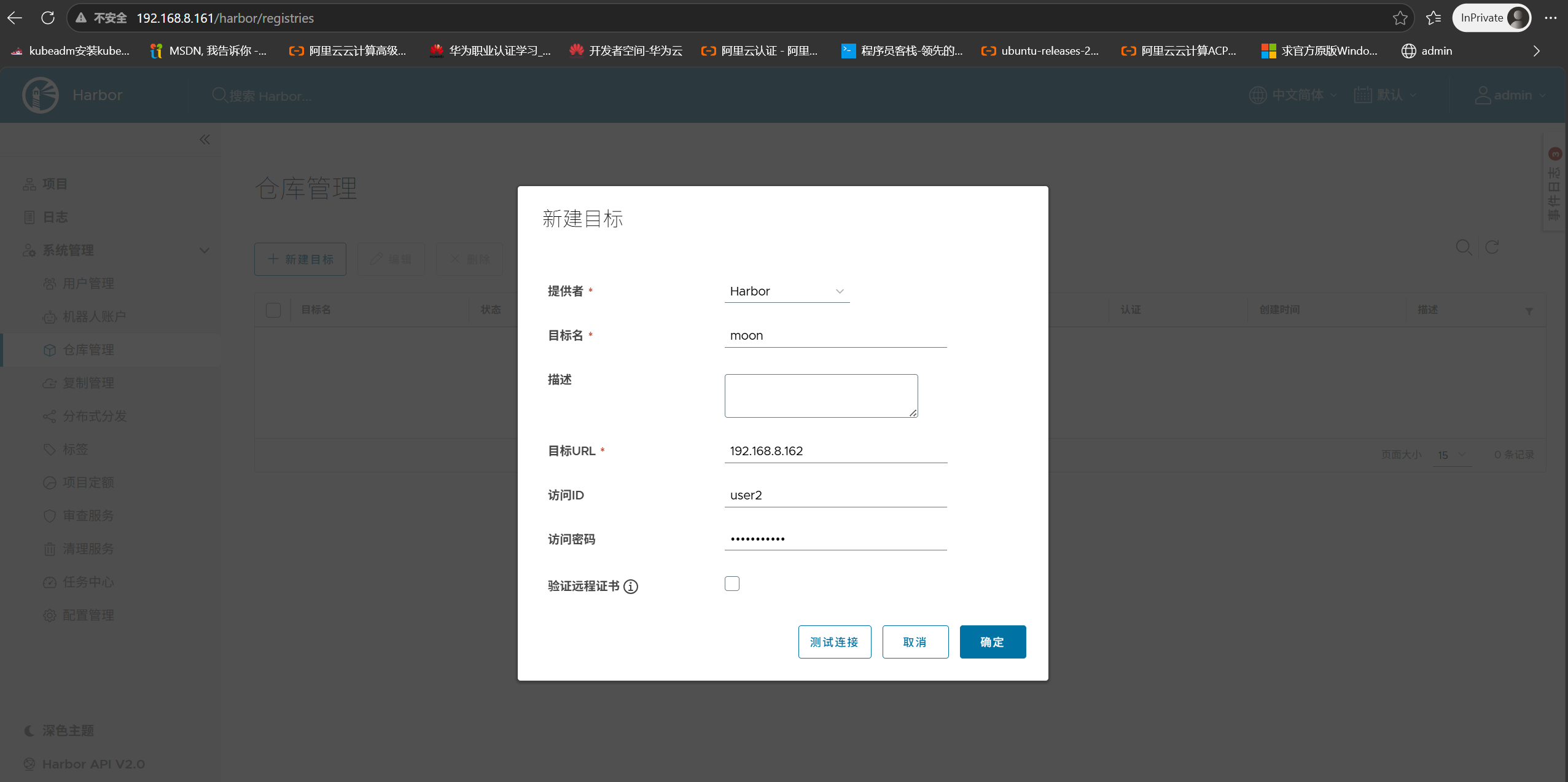
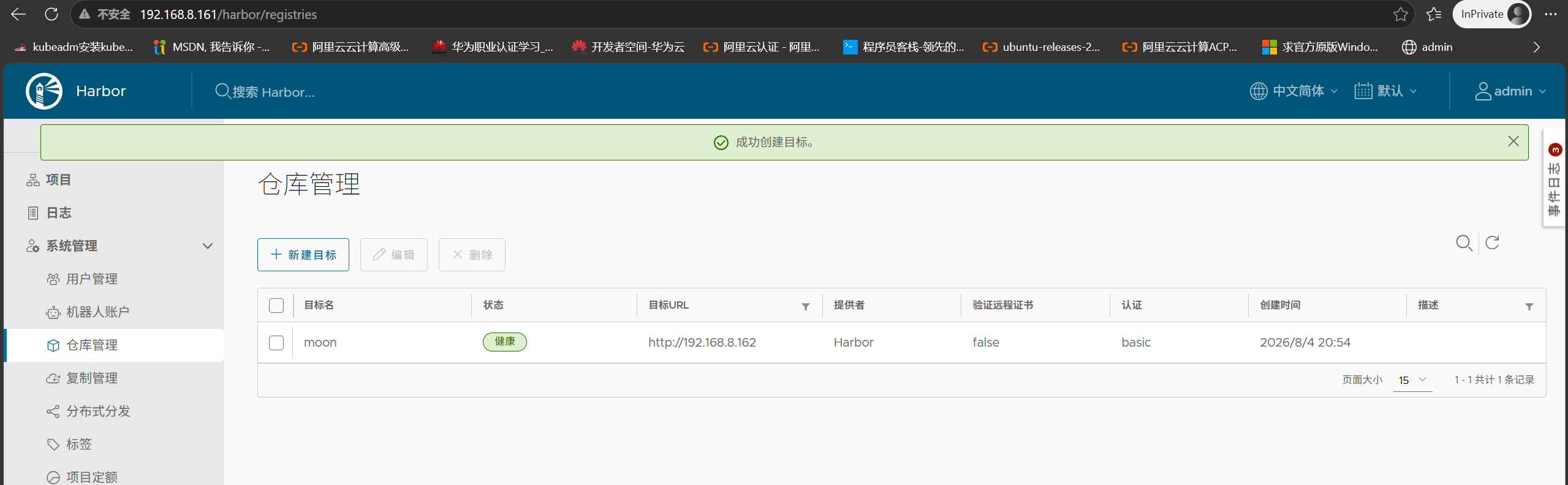
Log in to primary Harbor as admin, go to Administration → Registries, and create a new endpoint:
Enter standby information:
- Endpoint URL:
http://192.168.8.162 - Access ID / Access Secret: user2 credentials
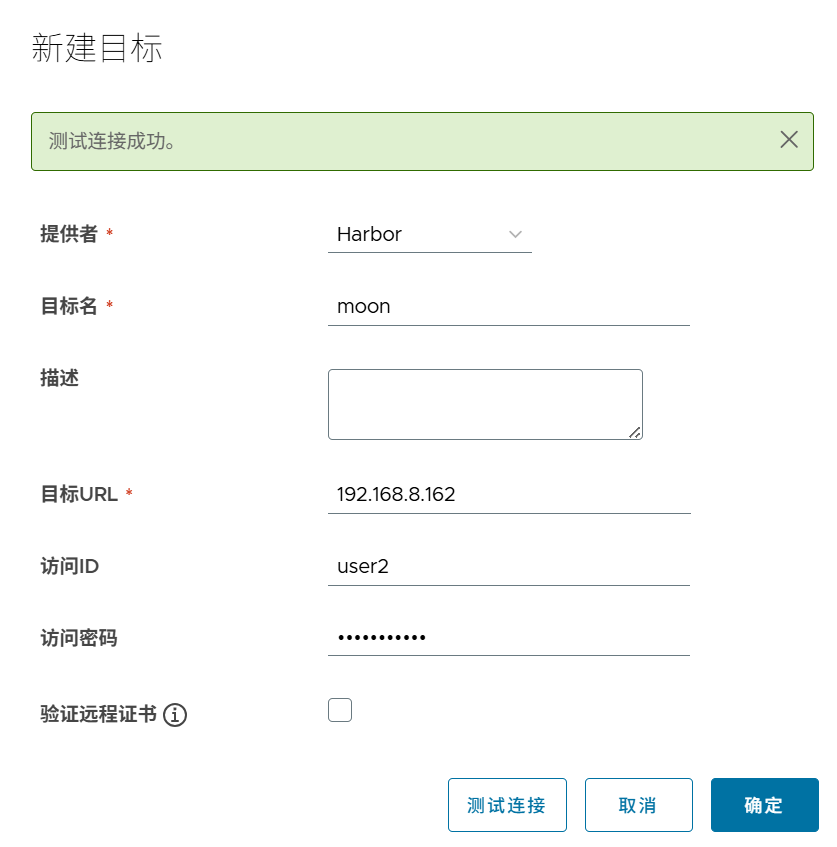
Creation successful:
2. Create Replication Policy
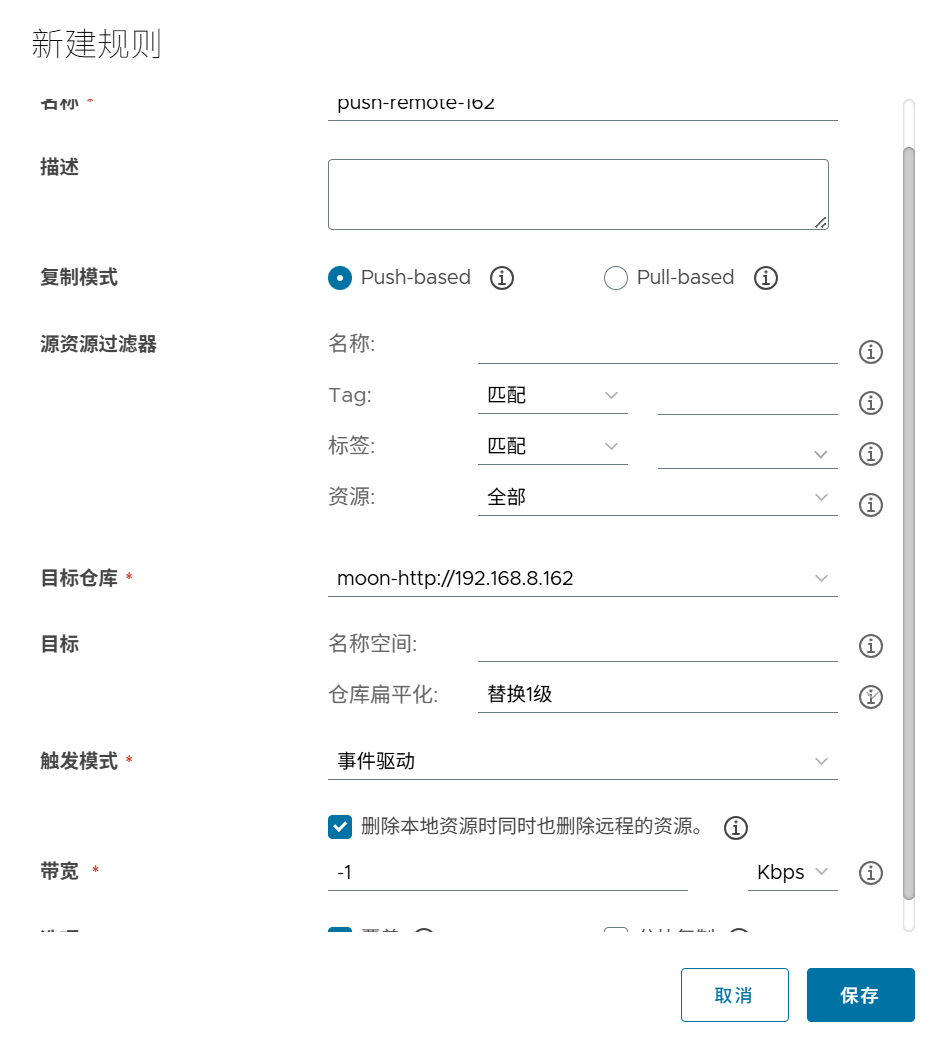
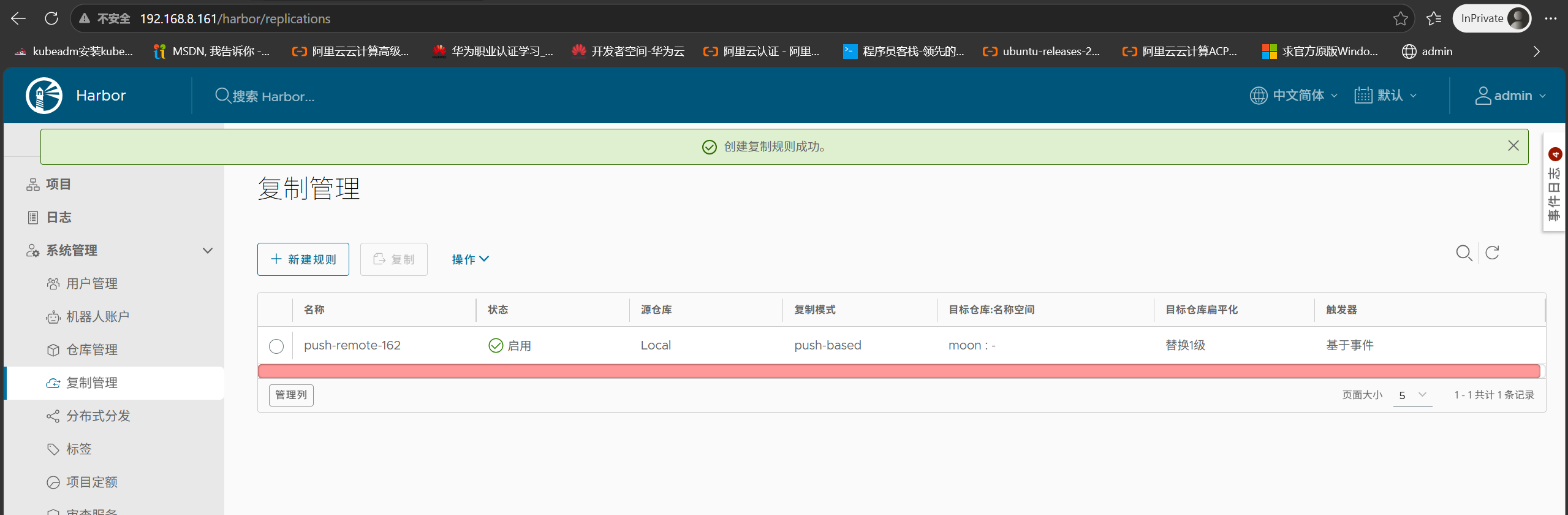
Go to Administration → Replications, create a new replication policy:
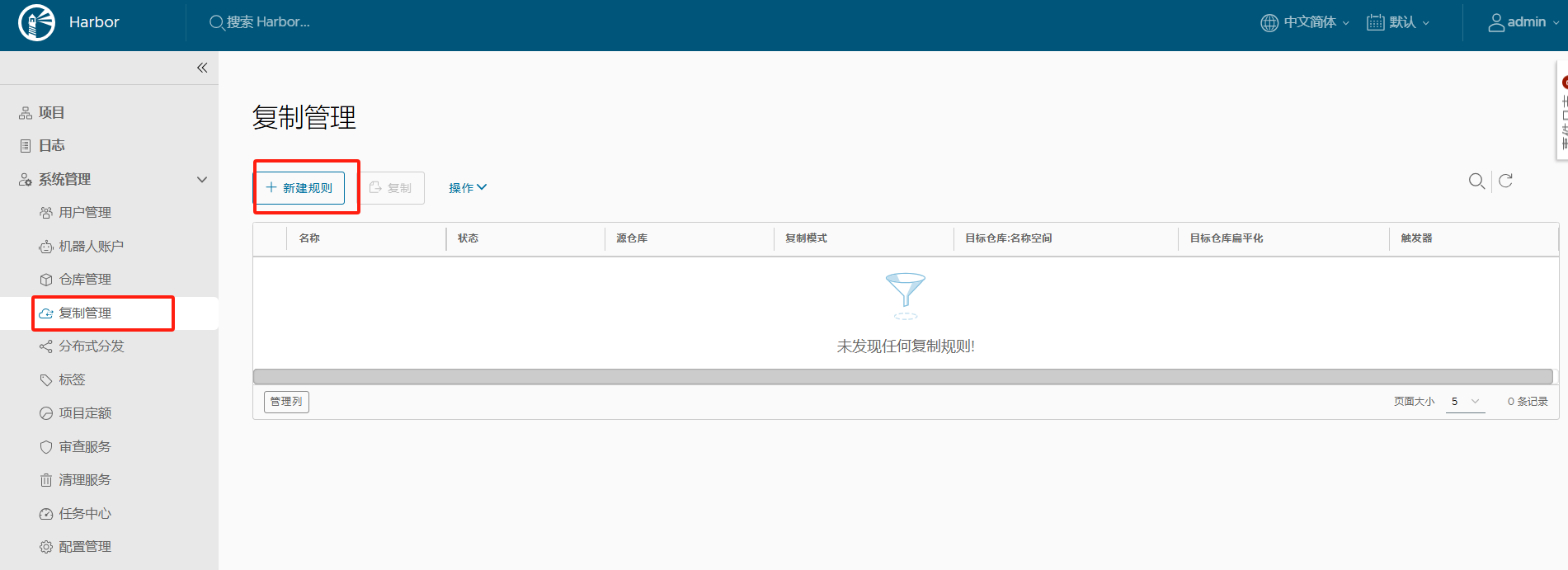
- Destination Registry: Select Harbor02
- Mode: Event-Based (or other modes)
3. Verify Sync Results
Push more images from Docker host to primary:
|
|
Check primary images:
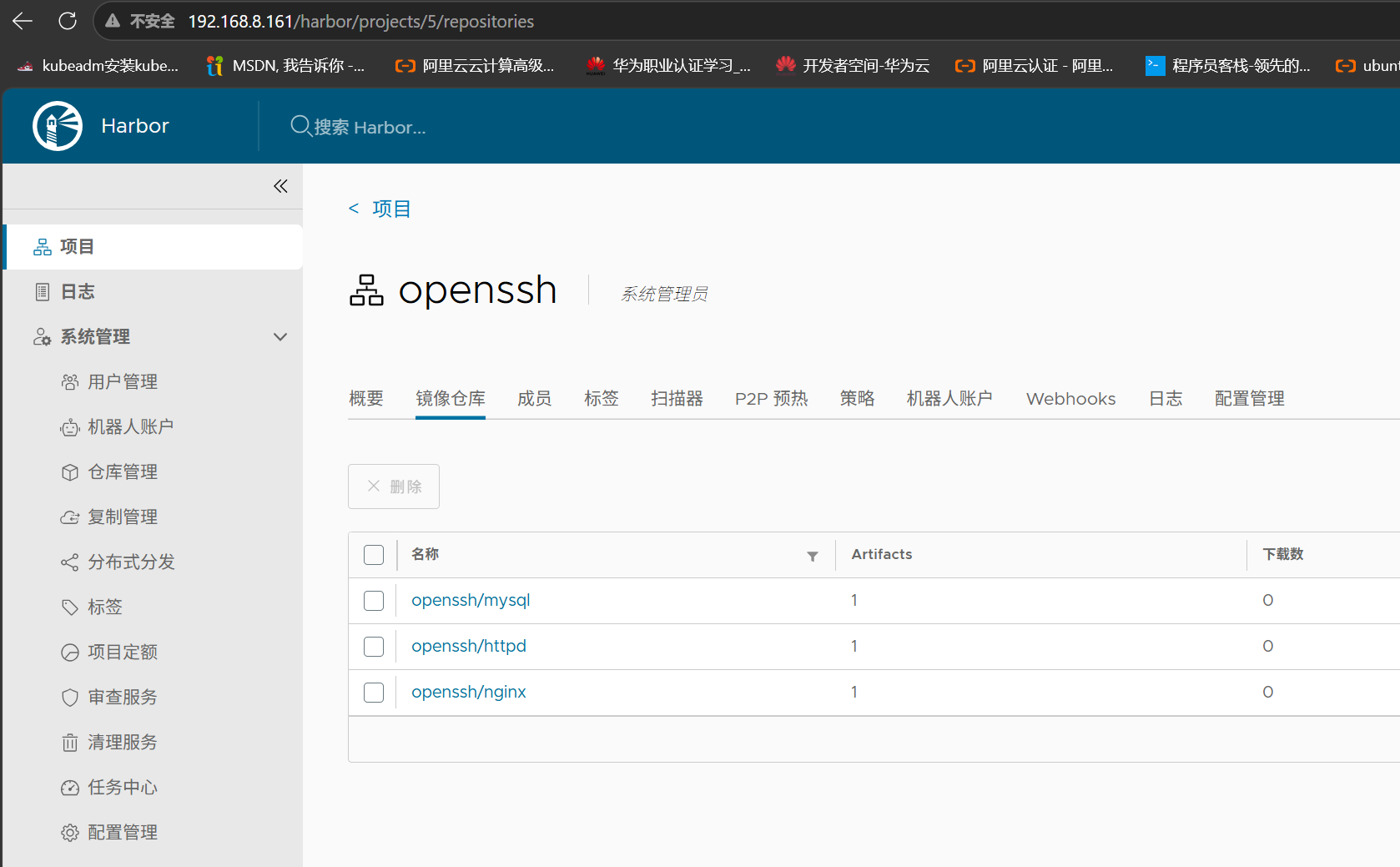
Check standby images (auto-synced):
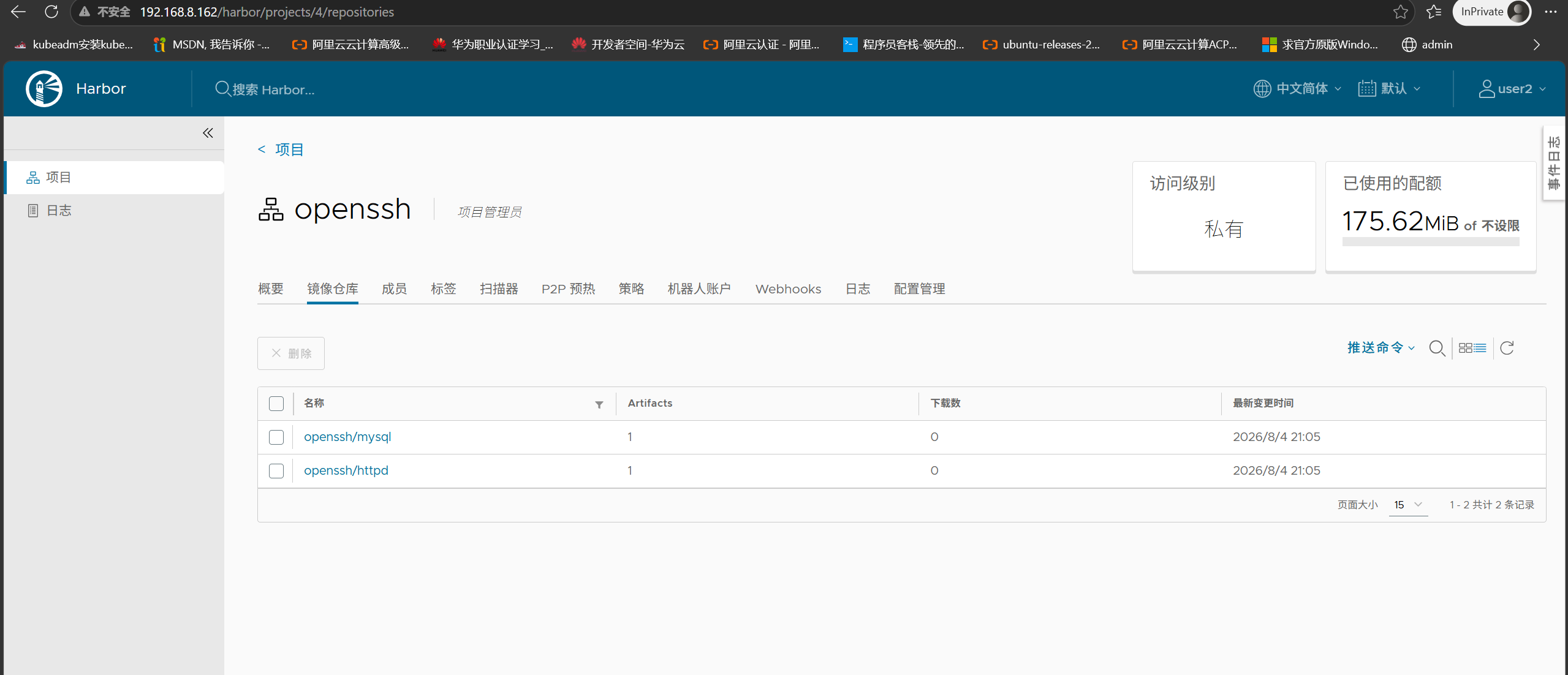
The standby shows synced images from primary, confirming active-standby replication is working.
Note: Images that existed on primary before configuring replication need manual sync.
Part 4: Enable HTTPS (Self-Signed Certificate)
For production or public network access, HTTPS is recommended. Here’s the complete self-signed certificate workflow.
1. Generate CA and Server Certificates
On the Harbor server:
|
|
2. Configure Certificate Extensions
Create v3.ext file with SAN (Subject Alternative Name):
|
|
IP.1must match Harbor’s actual access address, otherwise Docker client will report certificate domain mismatch errors.
3. Sign Server Certificate
|
|
4. Enable HTTPS in Harbor Configuration
|
|
Uncomment the https section and update certificate paths:
|
|
hostname must match
IP.1inv3.ext.
5. Redeploy Harbor
|
|
Warning: Do NOT use
docker-compose down -v, as-vdeletes named volumes, causing loss of Harbor database and user data.
Access via https://192.168.8.161 after deployment.
6. Configure Docker Clients to Trust Certificate
Execute on every machine that needs to push/pull images:
|
|
Part 5: FAQ
Q: Can I switch between HTTP and HTTPS modes?
Yes. Modify the https section in harbor.yml, then re-run ./install.sh. Switching from HTTP to HTTPS requires generating certificates first; switching back to HTTP requires commenting out the https section.
Q: Docker client reports “x509: certificate relies on legacy Common Name field” when logging into HTTPS Harbor?
This means the certificate lacks SAN (Subject Alternative Name). Regenerate the certificate ensuring v3.ext contains IP.1=<Harbor IP> and sign with -extfile v3.ext.
Q: How to troubleshoot replication failures?
Check network connectivity between primary and standby, verify the target registry credentials, and ensure the user has write permission to the target project.